PowerPoint Tests: Free Practice Questions and Guide 2026
The Microsoft PowerPoint test, also known as the PowerPoint Associate test, is a challenging pre-employment assessment built to evaluate your PowerPoint proficiency.
To make sure you arrive as well-prepared as possible and ace your PowerPoint exam, we offer updated and accurate PowerPoint PrepPack, which includes:
The preparation we offer covers every type of PowerPoint version, so whether you are preparing for 2016, 2019, or 365, we have got you covered.
Exam topics match the official PowerPoint Associate test
Here you’ll find free PowerPoint test practice questions along with tips on how to pass the exam. Let’s begin.
A Microsoft PowerPoint assessment evaluates a candidate's ability to conceptualize, imagine, and design a compelling slide deck using the right flow and layout to achieve a specific goal, as well as their technical skills to use PowerPoint functions and objects efficiently.
Candidates are asked multiple-choice questions based on a variety of PowerPoint features, to ensure they have a full grasp of the software.
Those who perform well on the test are capable of producing aesthetically pleasing slideshows that are authentic to the company's brand.
This test is especially useful for jobs like a manager or admin role, where you're often making slides and conducting presentations.
When applying for a job where Microsoft PowerPoint skills are needed, you may be asked to take a test to demonstrate your proficiency. While the exact tests can vary depending on the job and company you’re applying for, some of the most common PowerPoint hiring tests will include test questions that are based on the official PowerPoint Associate Exam (2019 or Microsoft 365 Apps ).
Let’s try some PowerPoint questions so can get a feel of what you can expect on the test.
The PowerPoint practical questions below are taken from the preparation and are broken down by the various categories of the official Microsoft PowerPoint Associate Exam.

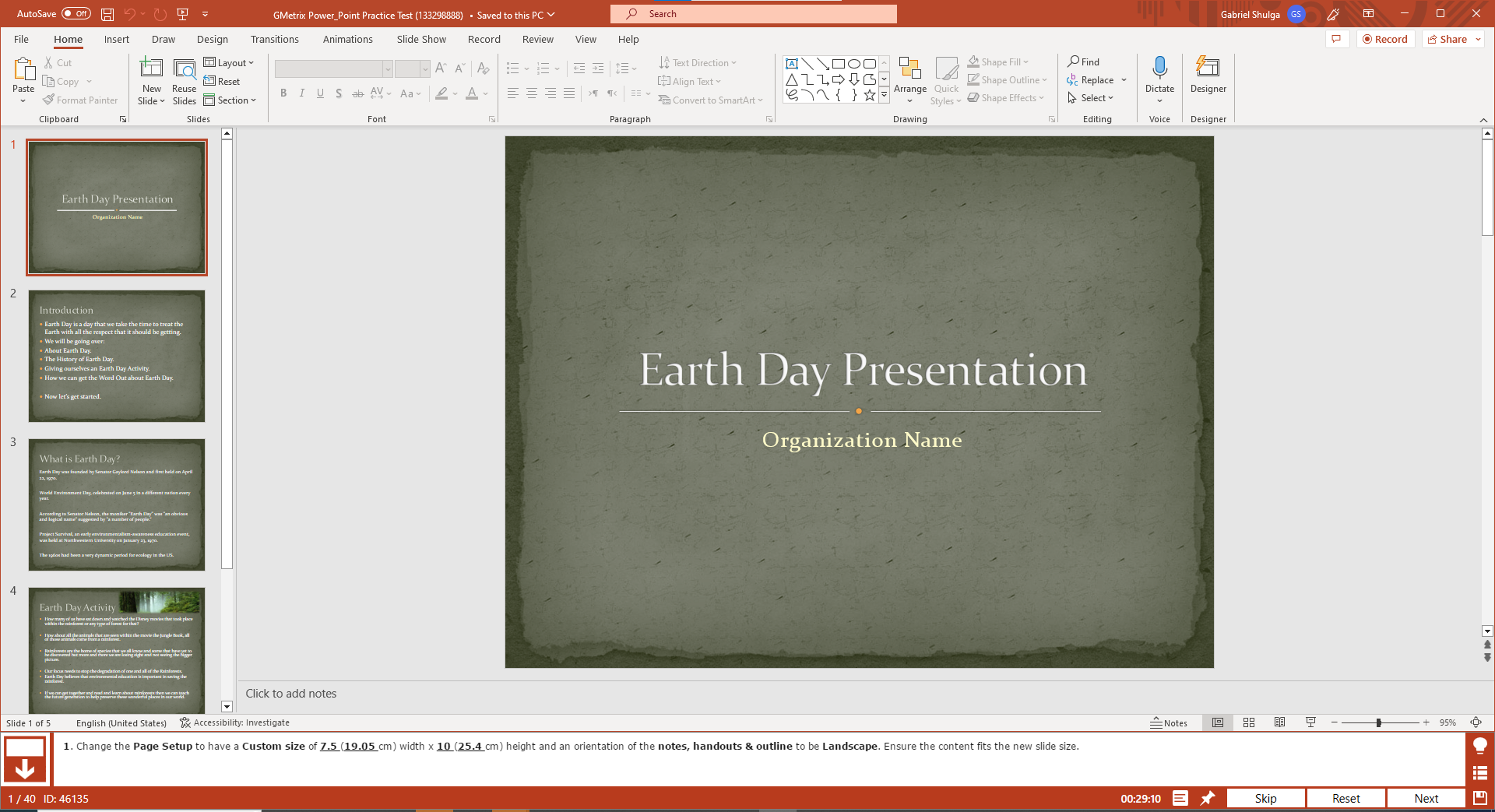
Change the page setup to have a custom size of 7.5(19.05 cm) width * 10 (25.4cm) height and orientation of the notes, handouts & outline to be landscape.
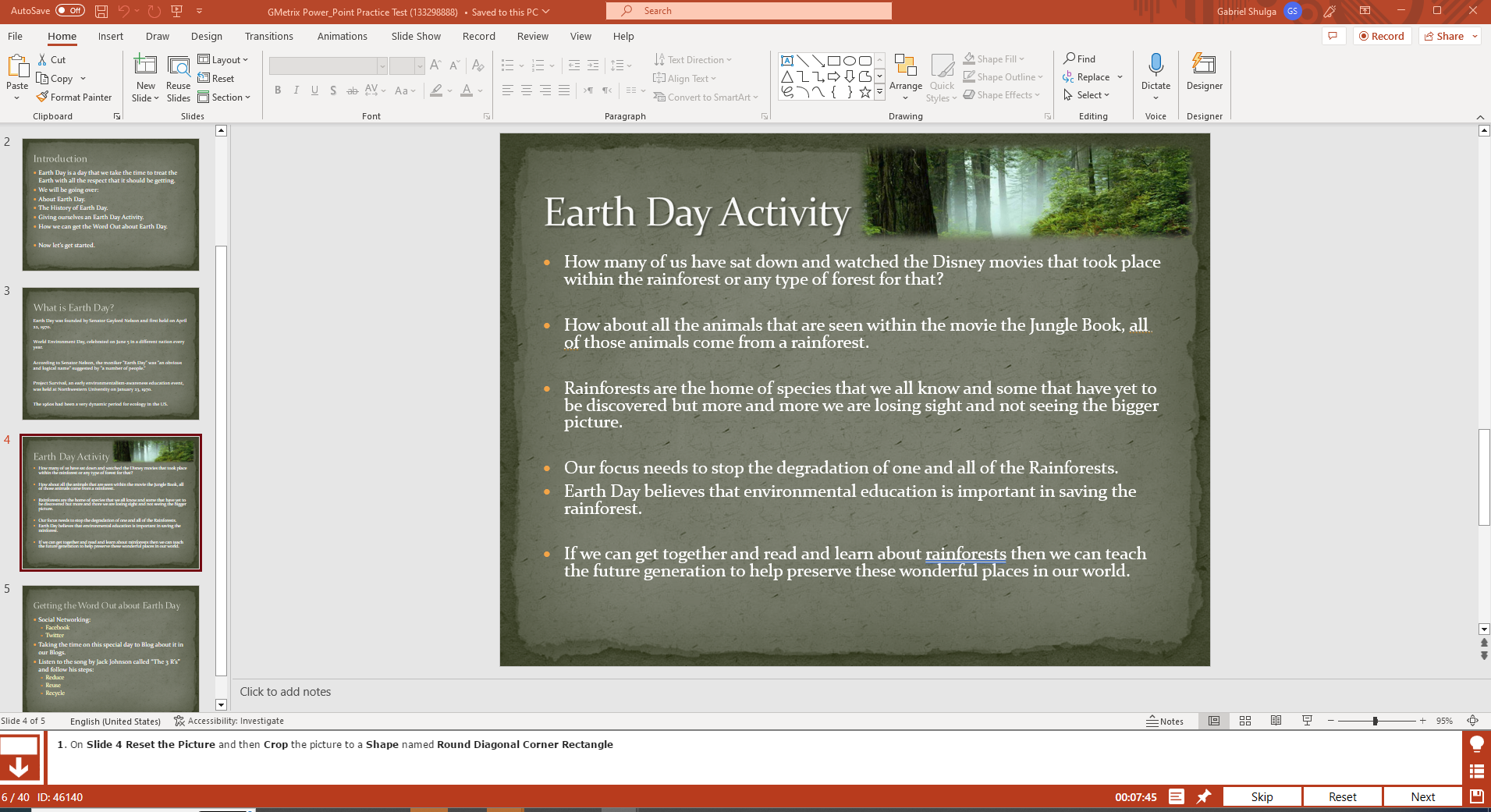
On slide 4 reset the picture and then crop the picture to a shape named round diagonal coroner rectangle.
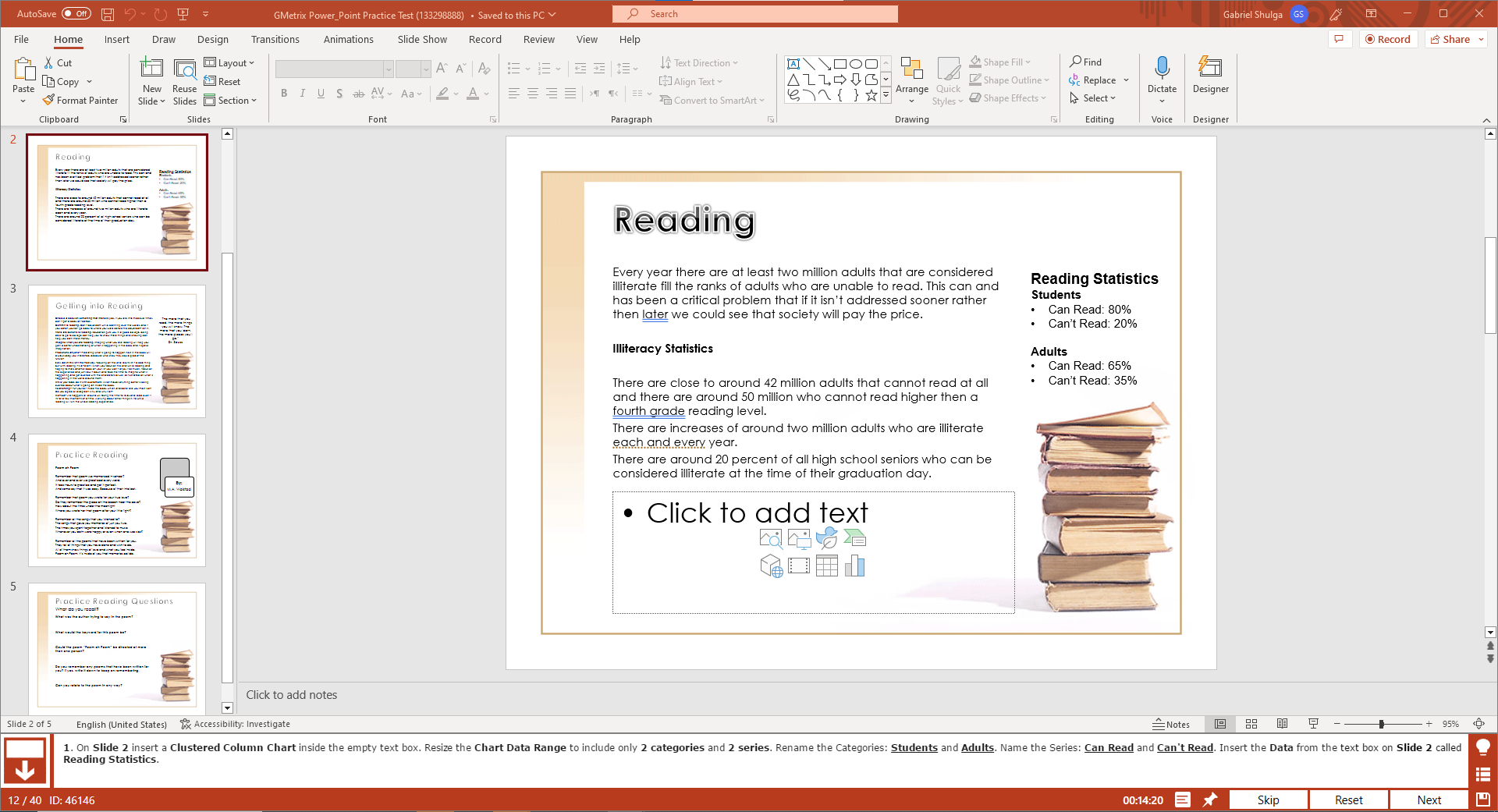
On slide 2 insert a chart a Clustered Column Chart inside the empty text box. Resize the chart data range to include only two categories and 2 series. Rename the categories: Students and Adults. Name the series: Can read and Can’t read. Insert the data from the text box on slide 2 called reading statistics.
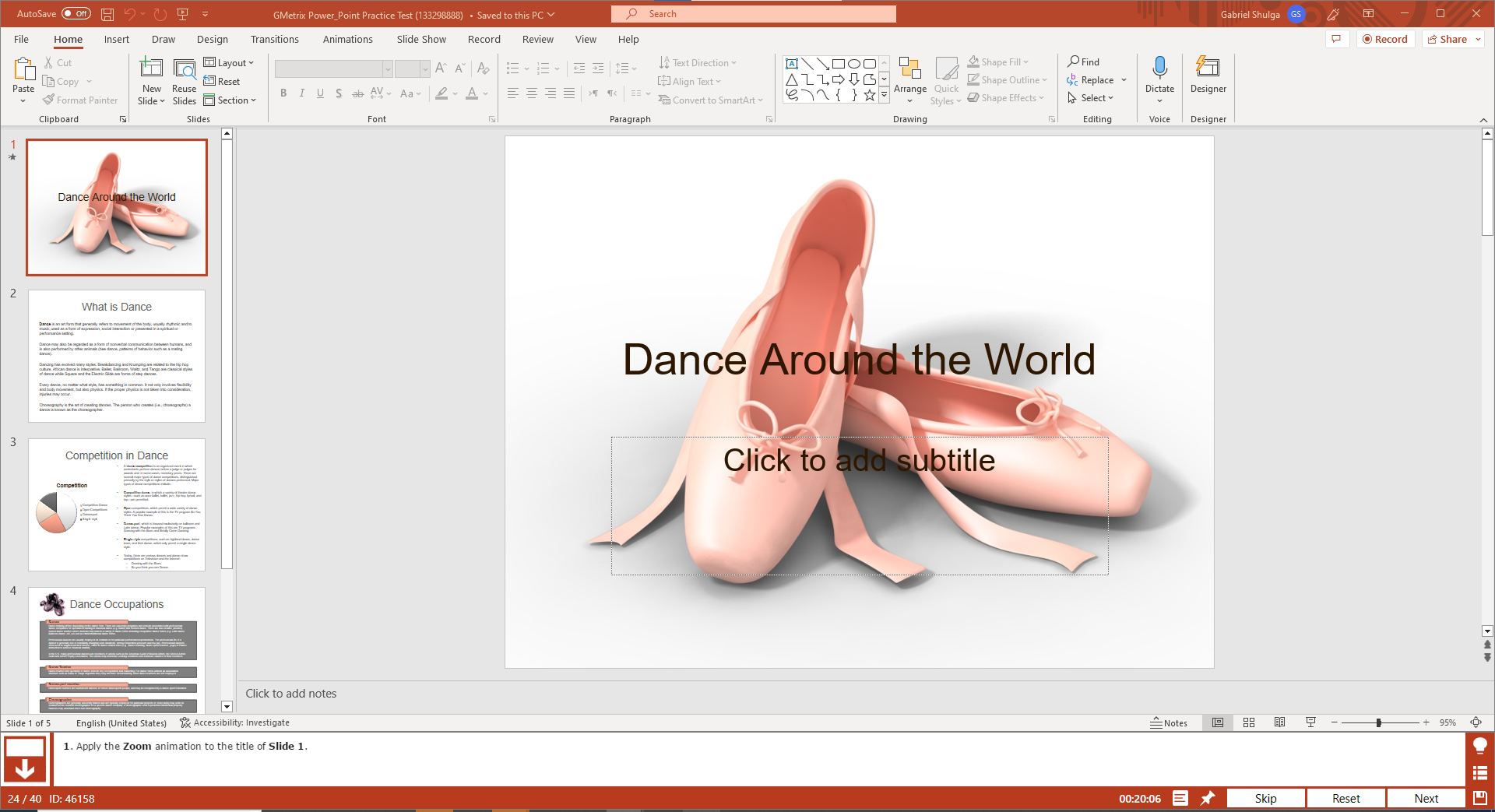
Apply Zoom Animation to the title of slide 1
The JobTestPrep Powerpoint assessment test PrepPack enables access to the GMetrix Powerpoint practice tests that replicate the Microsoft Office environment and provide an authentic application experience with PowerPoint questions and answers.
Once you purchase your PrepPack, you can use it for a whole year or up to 100 tests.
The GMetrix Powerpoint practice is a user-friendly interface with various features that allows you to track your progress and receive real-time feedback while you work on actual PPT spreadsheets.
The GMetrix Powerpoint tests offer two types of practice questions – Concept and Skill review along with full-length practice tests. The questions included cover all levels of difficulty from beginner to advanced with numerous tips on powerpoint best practices for every level.
This allows you to gradually build and sharpen your understanding and proficiency of the software, so there will be no questions in the real-life test that you couldn’t handle.
For each practice test, there is a training mode and a testing mode.
The training mode allows you to take your time to understand the tasks and answer the questions while receiving real-time feedback.
At any moment, you can use the help button that opens a detailed study guide. Like your own personal tutor, this explains step-by-step every procedure that needs to be performed to complete the task.
The testing mode is a limited-time mock test that simulates the conditions when taking the real assessment, including an accurate demand of a grade of at least 80% to pass the test.
When finishing the test, you can view the mistakes and evaluate your performance with the statistics panel that presents how many tests you took, the grade you received in each one, and how many topics you mastered. This allows you to assess your strengths and weakness and know which topics to focus your efforts on.
No, when you limit yourself to PowerPoint MCQ (AKA multiple choice questions), you’re not learning PowerPoint, instead, you’re memorizing specific questions with the hope they will show up on your future test.
This is not a good way to practice. PowerPoint is a visual program, which means practice should also be visual.
Also, memory that comes from a true understanding of the subject matter, will stay there in the long run and will require you to prepare again for the same exam that will most likely show up in future interviews and selection processes.
The best way to prepare for PPT questions is to use a PowerPoint practice that includes various Test PPTs or PowerPoint Templates.
One of the best strategies to prepare for the exam is to get access to questions that allow you to practice on real-life situations and problems that are presented using PowerPoint Slide Questions.
Doing actual changes in ready-made templates can enormously increase the learning curve and understanding of PowerPoint and its different features, possibilities, and use cases.
Our preparation offers exactly that, you will download a program that will connect to your personal PowerPoint software package and will allow you to practice with ready-made templates based on unique and specific scenarios.
The topics are similar to those in the MS PowerPoint assessment. Here is the full list taken from the official LinkedIn website: Animation and Transitions, Setup, Presenting, Media, Exporting, Printing, Charts, SmartArt and WordArt, Text, Collaboration, Sharing, and Layout.
PPT Interview questions are questions that are designed to gauge a candidate's proficiency, capability, and familiarity with this software. Below are some broad questions an interviewer might pose regarding PowerPoint: